Parental Control App: A Complete Guide for Parents in 2026
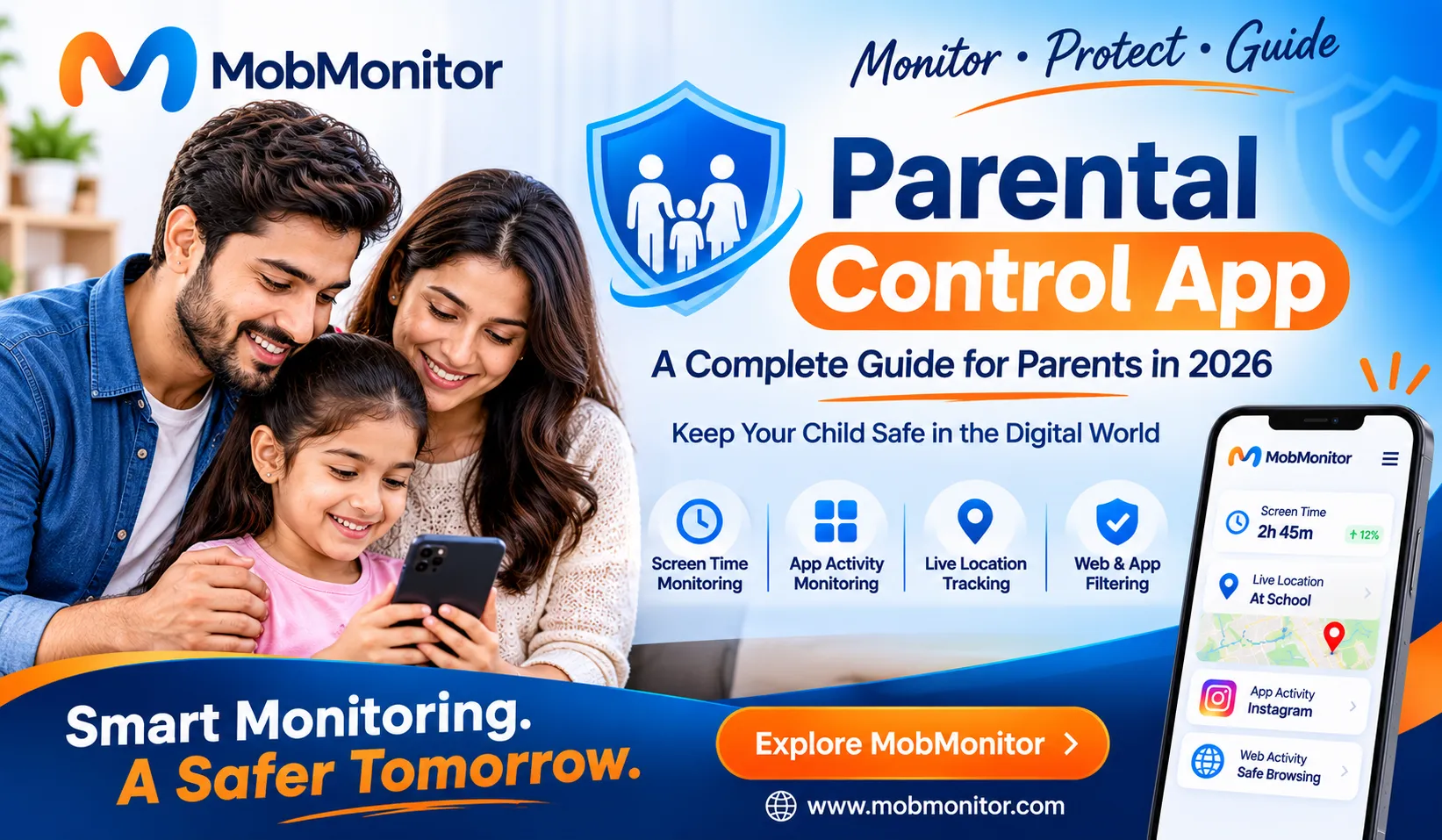
Children today are growing up in a digital world where smartphones, social media, online games, and messaging applications are part of everyday life. While technology provides opportunities for learning, creativity, and communication, it can also expose children to online scams, cyberbullying, inappropriate content, unknown contacts, and excessive screen time. This makes digital safety an important responsibility for modern parents.
A parental control app can help parents understand their children's digital activities, manage device usage, and encourage healthier online habits. Instead of relying only on restrictions, parents can use parental monitoring tools to stay informed about potential online risks and have more meaningful conversations with their children about responsible technology use.
With solutions like MobMonitor, parents can access different phone monitoring and family safety features through a centralized dashboard. From location tracking and app usage insights to supported social media activity monitoring, these tools can help families become more aware of their children's digital experiences when used legally and responsibly.
What Is a Parental Control App?
A parental control app is a software solution designed to help parents manage and understand how their children use smartphones, tablets, and other connected devices. These applications provide tools that can support online safety, screen time management, app usage awareness, location sharing, and content restrictions.
The main purpose of a parental control app is to help parents create a safer and more balanced digital environment for their children. Depending on the application and device compatibility, parents may be able to review app activity, manage access to certain websites, check device usage, and receive location information.
Modern parental monitoring apps offer different features depending on their subscription plans and supported operating systems. Some focus primarily on screen time limits and content filtering, while others provide additional device activity and communication insights.
Parents should choose a solution based on their family's requirements, their child's age, device compatibility, and applicable privacy laws. Monitoring should support a child's safety and development rather than replace communication and trust.
Why Do Parents Need a Parental Control App in 2026?
Children's online activities have become more diverse than ever. They use smartphones for schoolwork, entertainment, gaming, social networking, video streaming, and communicating with friends. Although these activities can be beneficial, children may not always recognize the risks associated with sharing personal information or interacting with strangers online.
A reliable parental monitoring app can give parents useful information about device usage and help them identify situations that may require attention. Here are some important reasons why families consider parental control solutions.
1. Protection from Online Threats
Children may encounter suspicious links, phishing attempts, fake profiles, online scams, and inappropriate websites while browsing the internet. Younger users may not have enough experience to recognize these threats.
Parental control tools can support safer browsing through available website restrictions, app management options, and online activity insights. Parents should also teach children how to recognize suspicious messages, avoid sharing private information, and report uncomfortable online interactions.
2. Better Screen Time Management
Spending too much time on smartphones can affect a child's daily routine, sleep schedule, studies, and outdoor activities. Social media platforms, games, and video applications are designed to keep users engaged, which can make it difficult for children to manage their own screen time.
Screen time monitoring and device usage insights help parents understand how much time children spend using different applications. Based on this information, families can establish reasonable daily limits and create device-free periods for studying, meals, physical activities, and bedtime.
3. Awareness of Social Media Activities
Social media platforms allow children to communicate, share content, and discover new interests. However, they may also encounter cyberbullying, unwanted messages, fake accounts, online pressure, and inappropriate content.
A parental monitoring solution with supported social media activity insights can help parents understand their child's online environment. Parents should explain why privacy matters and discuss the importance of respectful communication before introducing monitoring tools.
4. Knowing Your Child's Location
Location awareness can be useful when children travel to school, attend extracurricular activities, visit friends, or return home independently. GPS location tracking solutions can help parents check a device's reported location when the feature is supported and location services are available.
Some parental control applications also provide location history or location-related alerts. These features can offer additional convenience, but GPS accuracy depends on device settings, internet connectivity, and location permissions.
5. Encouraging Responsible Digital Habits
Parental controls should not simply be about blocking applications or limiting access to smartphones. They should help children understand how to use technology responsibly.
When parents discuss online risks, establish reasonable boundaries, and explain why certain restrictions exist, children can gradually develop better digital habits. A balanced approach helps build trust while supporting their independence.
Important Features to Look for in the Best Parental Control App
Not every parental control application offers the same functionality. Some applications provide basic screen time controls, while others offer broader device monitoring capabilities. Before choosing the best parental control app, parents should understand which features are important for their family's needs.
1. Screen Time and App Usage Monitoring
Screen time and app usage monitoring help parents understand how children spend their time on smartphones. Usage information can reveal whether a child spends more time on educational applications, social media, games, or entertainment platforms.
Parents can use these insights to discuss healthy screen habits and establish suitable device usage schedules. App usage information is particularly useful for identifying patterns that may affect studies, sleep, or other daily responsibilities.
2. GPS Location Tracking
GPS location tracking is another useful feature in a parental monitoring app. It allows parents to check the reported location of a supported device and understand where it is when location services are active.
Depending on the application, location-related features may include real-time location updates, location history, and geofencing alerts. These tools can support family safety during school journeys and other daily activities.
3. Social Media Activity Monitoring
Social media applications are an important part of modern communication. Children may use platforms such as WhatsApp, Instagram, Snapchat, Facebook, TikTok, and other services to interact with friends and explore online content.
Social media monitoring features can provide supported activity insights, such as messages, notifications, media activity, or call information, depending on the application and device compatibility.
Parents should remember that different platforms have different privacy and security restrictions. Not every monitoring application can access every type of information on every device.
4. Call and SMS Monitoring
Call and SMS monitoring features can help parents understand communication activity on a supported device. Depending on the software and plan, available information may include call history, contact details, and SMS activity.
These features should be used only where parents have the appropriate legal authority and monitoring rights. Open communication with children about device supervision is important for maintaining trust and respecting privacy.
5. Website and Internet Activity Monitoring
Children can access a wide variety of websites through mobile browsers and applications. Some websites provide educational resources, while others may contain unsuitable or misleading content.
Website monitoring and internet history features can help parents understand browsing patterns. Certain applications also offer website blocking options, allowing parents to restrict access to selected websites when supported.
6. Application Management
Children frequently install new applications for games, entertainment, education, and communication. However, not every application is appropriate for every age group.
Application management features help parents review installed applications and, where supported, restrict access to selected apps. This can make it easier to maintain age-appropriate device usage rules.
How Does a Parental Monitoring App Work?
A parental monitoring app generally works by collecting permitted device activity information and making relevant data available through a parent dashboard. The exact process depends on the application's technology, operating system, permissions, and selected subscription plan.
Most parental monitoring solutions follow a few basic steps:
Step 1: Choose a Suitable Parental Control Solution
Start by selecting an application that matches your family's requirements. Review its supported devices, available features, privacy policy, subscription plans, and installation requirements before making a decision.
Step 2: Install and Configure the Application
Follow the official installation instructions and configure the required permissions on the supported device. Some solutions may require one-time physical access to the device for setup.
Step 3: Access the Parent Dashboard
Once configuration is complete, parents can sign in to the supported dashboard and access the features included in their selected plan. Depending on the software, information may include app activity, location details, communication records, and other supported device insights.
Step 4: Use Insights to Improve Online Safety
Review relevant information, discuss concerns with your child, and make suitable adjustments to family device rules. The goal should be to encourage safer technology use rather than creating unnecessary restrictions.
MobMonitor: A Smart Phone Monitoring Solution for Parents
Parents looking for a centralized phone monitoring solution can explore MobMonitor. It brings together multiple monitoring features through a single dashboard, helping families access supported device activity information without relying on several separate applications.
MobMonitor offers a range of features designed for Android device monitoring, including social media activity insights, GPS location tracking, call and SMS monitoring, internet history, and application usage information. The availability of individual features depends on the selected subscription and supported device configuration.
Social Media Monitoring
MobMonitor supports activity monitoring across multiple popular social media and messaging platforms. Depending on device and plan compatibility, parents can access supported information related to applications such as WhatsApp, Instagram, Facebook, Snapchat, Telegram, and other platforms.
These insights can help parents better understand their child's digital communication environment and discuss responsible social media usage.
Live GPS Location Tracking
Location tracking helps parents check the reported location of a supported device through the monitoring dashboard. MobMonitor also provides location history features, subject to the selected plan and device permissions.
Call and SMS Monitoring
MobMonitor provides supported call and SMS monitoring capabilities. Depending on the subscription, parents can access information such as call logs, contacts, SMS activity, and additional communication-related records.
Internet History and App Usage
Understanding browsing and application usage can help parents identify digital habits that may need attention. MobMonitor includes internet history and installed application or app usage monitoring features on supported devices.
Website and Application Restrictions
Managing access to certain websites and applications can be an important part of family digital safety. MobMonitor provides supported website and application blocking features, allowing users to manage selected access restrictions according to their plan and device compatibility.
To explore the available monitoring features and subscription options, visit the official MobMonitor website.
How to Choose the Best Parental Control App for Android
Finding the right parental control app for Android requires more than comparing feature lists. Parents should consider how the application works, what information it accesses, and whether its features are suitable for their child's age and device.
Here are some important factors to evaluate before selecting a parental monitoring solution.
- Device compatibility: Check whether the application supports your child's Android version and device model.
- Available features: Look for the monitoring, location, app usage, and website management tools your family actually needs.
- Privacy and security: Review the privacy policy, data handling practices, account security, and permission requirements.
- Ease of use: Choose a solution with a straightforward setup process and an understandable dashboard.
- Subscription pricing: Compare plans carefully and check which features are included in each subscription.
- Customer support: Check whether assistance is available if you encounter installation or compatibility issues.
- Legal compliance: Make sure the application is used only on devices you own or are legally authorized to monitor.
Free Parental Controls vs Paid Parental Monitoring Apps
Parents often wonder whether they should use free parental controls or invest in a paid parental monitoring application. Both options can be useful, but their features and purposes may differ.
Built-in parental controls and free family safety tools can provide useful options such as screen time management, app approvals, content restrictions, and supported location sharing. For example, Google Family Link offers parents tools to manage supervised children's Google accounts and develop healthier digital habits.
Paid parental monitoring applications may provide additional device activity insights and monitoring capabilities. However, the exact features vary between providers, plans, and operating systems.
The best choice depends on your requirements. If you need basic screen time management, built-in controls may be sufficient. If you need additional supported phone activity insights, you can compare dedicated parental monitoring solutions such as MobMonitor.
Responsible Parental Monitoring: Privacy, Trust, and Safety
Technology can support child safety, but it should never replace parenting, communication, or mutual trust. Children also need age-appropriate privacy as they grow and become more independent.
Before using a parental control app, explain why you want to introduce it and what information may be accessed. Set clear expectations and make sure monitoring practices are appropriate for the child's age and circumstances.
Parents should also follow applicable local laws, platform rules, and device ownership requirements. Monitoring another person's device without proper authorization may violate privacy rights and legal requirements.
A responsible approach combines suitable technology with open conversations, digital education, and reasonable boundaries. This creates a healthier environment in which children can learn to use technology safely and confidently.
Frequently Asked Questions About Parental Control Apps
1. What is the best parental control app?
The best parental control app depends on your family's requirements, the child's device, and the features you need. Compare compatibility, privacy protections, screen time tools, app management, location features, and subscription plans before choosing a solution.
2. Can I monitor my child's Android phone with a parental control app?
Yes. Compatible parental control applications can provide different types of device usage and activity information. Available features depend on the Android version, application permissions, and selected subscription.
3. Can parental control apps help manage screen time?
Yes. Many parental control solutions provide screen time reports, app usage insights, schedules, or usage restrictions. Parents can use these tools to establish healthier device habits.
4. Can a parental monitoring app track a child's location?
Some parental monitoring applications provide GPS location tracking and location history. These features require compatible devices, appropriate permissions, and an active location service.
5. What features should I look for in a child monitoring app?
Important features may include app usage monitoring, screen time insights, location tracking, website management, social media activity insights, and suitable privacy protections. Choose features according to your family's needs.
6. Is a parental control app safe to use?
A parental control app can be useful when selected carefully and used responsibly. Parents should review the provider's security practices, privacy policy, permissions, and data handling procedures before installing any monitoring software.
7. What is the difference between parental control and phone monitoring?
Parental control generally focuses on managing a child's device usage, screen time, app access, and online content. Phone monitoring may provide additional information about supported device activities, such as calls, messages, location, and application usage.
8. Can I use MobMonitor as a parental monitoring solution?
MobMonitor offers phone monitoring features that can support parents in understanding supported device activities. Its features include social media activity insights, GPS location tracking, call and SMS monitoring, and app usage information. Availability depends on the selected plan and device compatibility.
9. Does a parental control app work on every smartphone?
No. Compatibility varies between applications, operating systems, device models, and subscription plans. Always check the official compatibility information before purchasing or installing a parental monitoring solution.
10. Should parents tell children about parental monitoring?
Open communication is generally recommended. Explaining the purpose of parental monitoring helps children understand online safety expectations and encourages trust. Monitoring should be age-appropriate and consistent with applicable laws.
Final Thoughts
Keeping children safe in the digital world requires awareness, communication, and the right technology. As smartphones and social media become increasingly important in everyday life, parents need practical ways to understand online risks and encourage responsible device usage.
A reliable parental control app can help families manage screen time, understand application usage, review supported online activities, and stay informed about device location. However, technology works best when combined with trust, digital education, and age-appropriate boundaries.
If you are looking for a centralized phone monitoring solution with multiple supported monitoring features, explore MobMonitor. Discover its available features and choose a solution that matches your family's requirements.
Monitor Responsibly. Protect Digitally. Build a Safer Online Future.
Monitor Android Phones with MobMonitor
Looking for a reliable Android phone monitoring solution? MobMonitor helps parents stay informed with powerful monitoring features, including location tracking, phone activity monitoring, screen time reports, app usage insights, and more—all through a secure and user-friendly dashboard.
Explore MobMonitor