REMOTE SCREEN RECORDER

Hidden Screen Recorder: Secretly Record Screen Activity

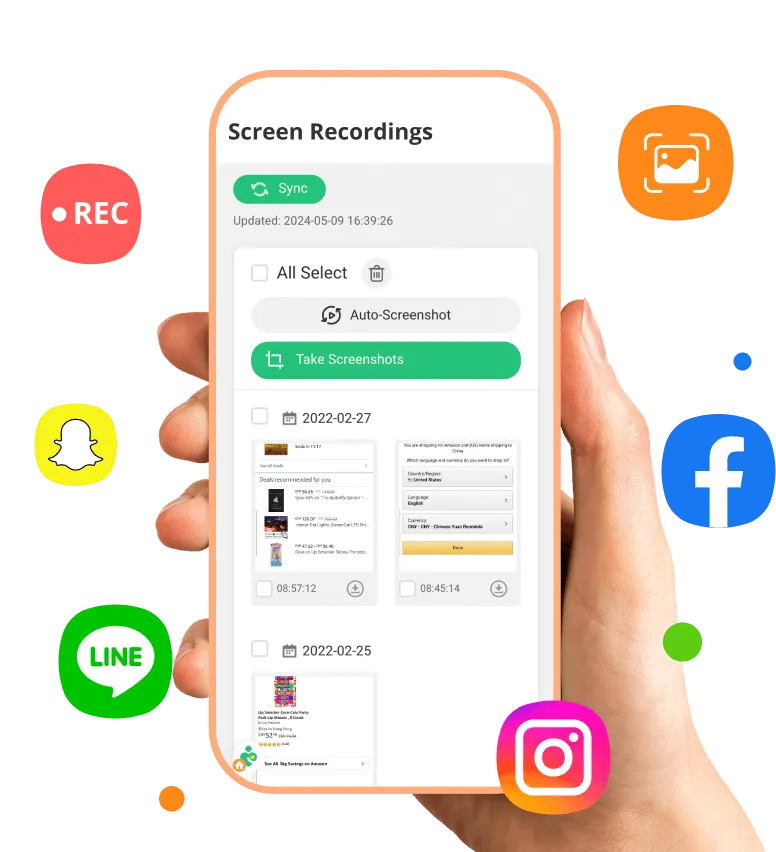
A powerful screen recorder app to discreetly monitor their children’s online activities. It helps parents identify inappropriate or harmful behavior early and take appropriate action in time.

WhatsApp Tracker App Screenshot

Features of Screen Recorder

Get Calls

Undetectable Screen Recording Mode

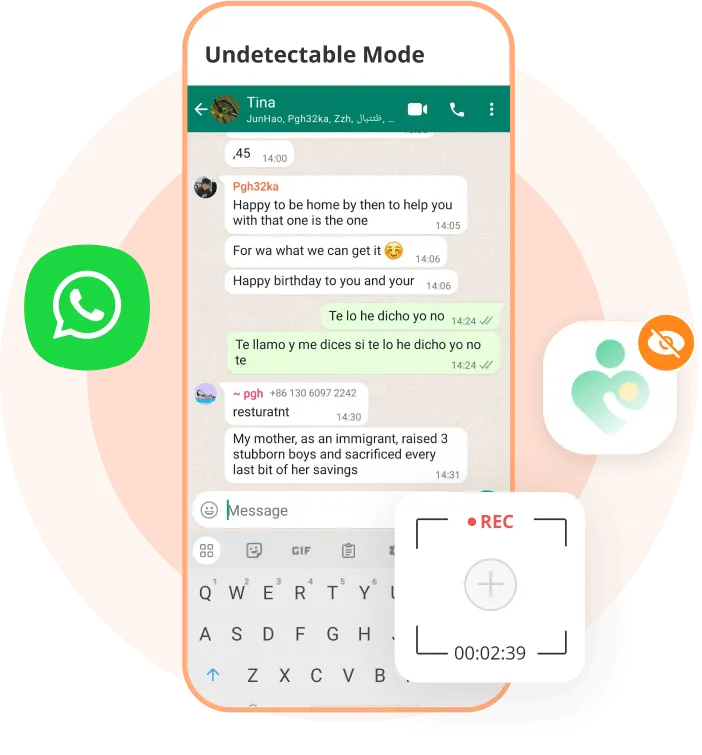
MobMonitor’s screen recorder app works in undetectable mode, leaving no app icon, notification, or visible recorded videos on the device. All screen recordings are automatically synced online and deleted from the target device, allowing you to view recordings remotely without direct access.
  • This screen recorder app runs completely in the background with no app icon, alerts, or visible recordings on the device.
  • All recorded videos are automatically synced online and removed from the target device, allowing remote access anytime.
Files

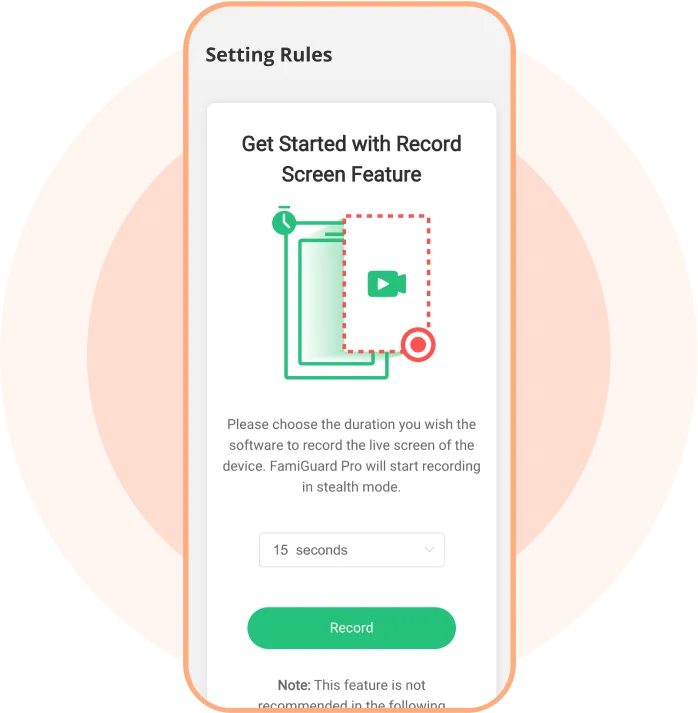
Capture Screen Recordings Up to 1 Minute

This screen recorder app lets you record screen activity in short, manageable clips, making monitoring simple and effective.
  • Select recording durations of 15 seconds, 30 seconds, or 1 minute as per your requirement.
  • Helps parents understand and track their children’s online behavior patterns over time.
Locations

View Live Screen Activity

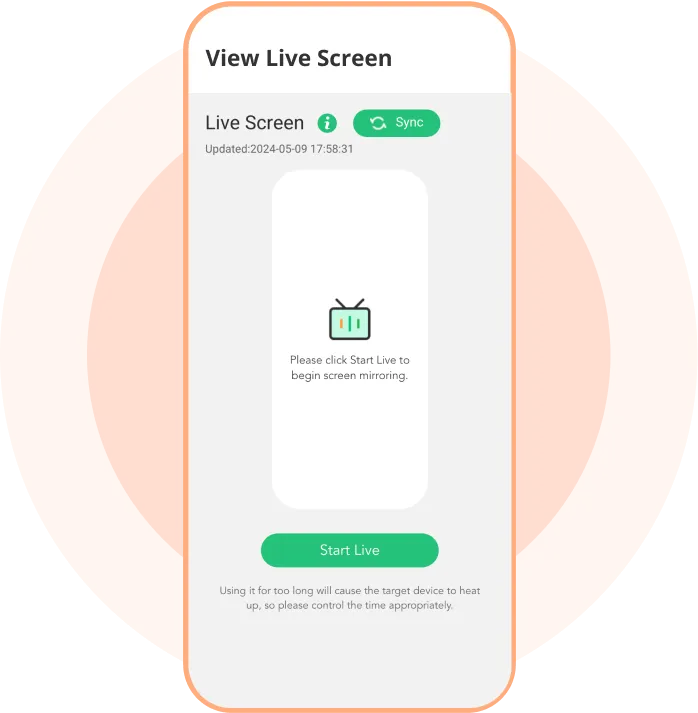
MobMonitor allows live viewing of the target device’s screen for up to 2 minutes continuously, giving real-time visibility.
  • Monitor screen activities anytime, anywhere without accessing the device directly.
  • Live screen viewing helps you understand what’s happening on the screen instantly and take quick action when needed.
Time Limits

Capture Screenshots Remotely

Sometimes parents don’t need full screen recordings to understand activity during a specific period. Capturing screenshots can be a simple and effective alternative.

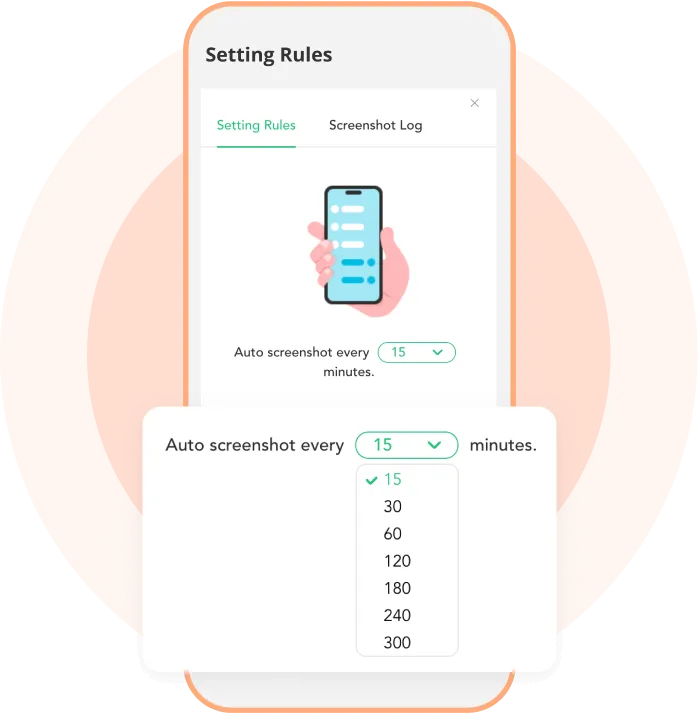
  • Take screenshots manually or enable auto screenshots every 15 minutes with MobMonitor.
  • View detailed screenshot information on the dashboard, making it easy to review when and how often screenshots were captured.

More Functions of Hidden Screen Recorder

Check Status

Call Recording

Record incoming and outgoing calls for later review and proper documentation.

Keyword Alert

Record Surrounding

Capture ambient sounds around the device to better understand the children’s surrounding environment.

View Activities

Record App Calls

Record conversations within selected applications for monitoring or archival purposes.

More Functions

More

MobMonitor offers many more useful features. You can try the MobMonitor Demo to explore them yourself.
Set up MobMonitor in 3 Steps

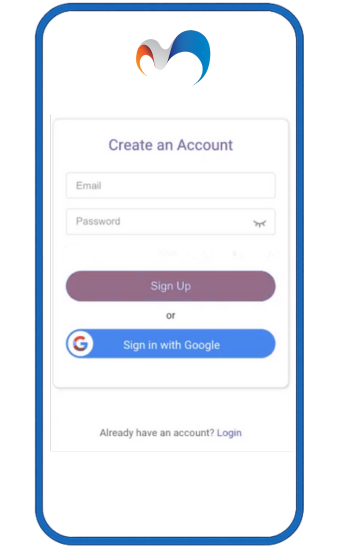
1. Sign Up Free and Choose Your Plan

Begin your WhatsApp tracking journey—it’s that simple.

Buy Now
Sign Up

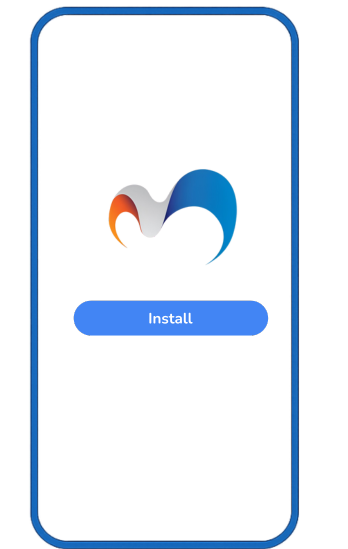
2. Install on Target Device & Finish Settings

Download and configure MobMonitor on the target phone quickly—manual or automatic setup available.
Install & Configure

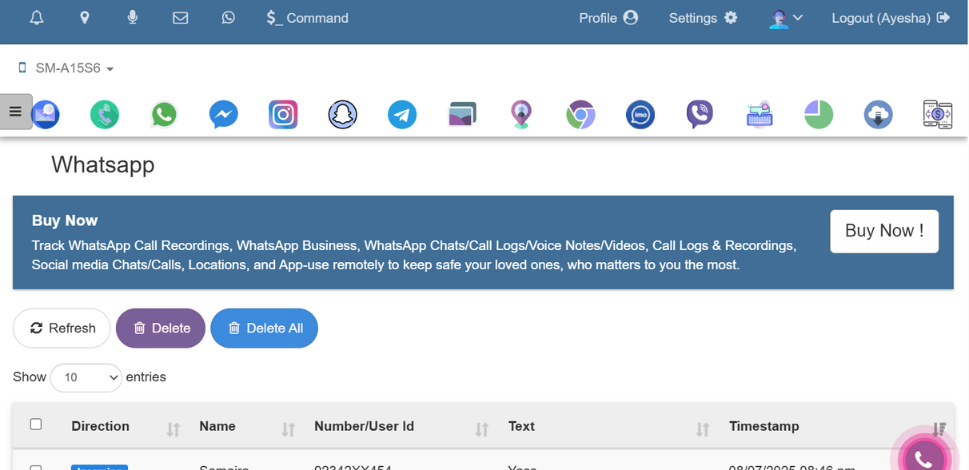
3. Operate on Dashboard & Begin Tracking

Monitor WhatsApp calls, chats, media, locations, and status in real time via your web dashboard.

View Demo

Dashboard Panel
Logo Watermark

Best Phone Tracker for Parental Control

Start your phone monitoring with MobMonitor today and keep your child safe online.
Best WhatsApp Tracker

FAQs about Hidden Screen Recorder