PHONE FILES

Screen Time Report: Easily Track and Manage Phone Activity

Stay aware of your screen time on Android. Track usage, set limits, and build healthier phone habits — all with permission.

WhatsApp Tracker App Screenshot

Overview of Screen Time Activity:

Get Calls

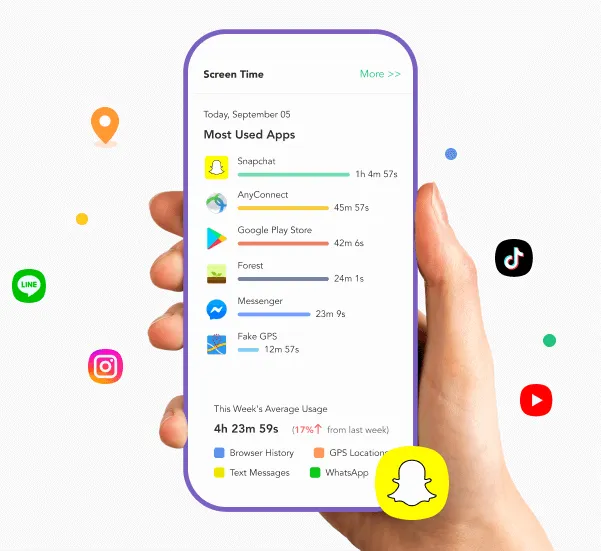
Screen Time Report: Visualize Phone Usage Clearly

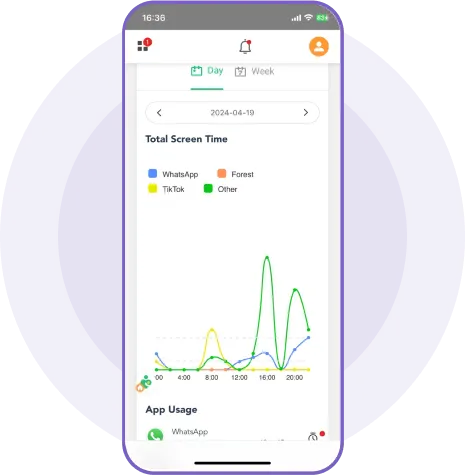
Stay aware of your children’s phone habits with clear and detailed insights. The app provides colorful graphs, histograms, and dashboard views so you can quickly understand how your kids spend their time on their devices. Usage is tracked accurately to the second, making monitoring simple and effective.
  • Precise Timing: App usage is tracked accurately down to the second.
  • Dashboard Views: Both a brief overview and a detailed version of the dashboard are available.
  • Usage Insights: Quickly see how long your kids have spent on their phones.
Files

Control App Usage: Limit, Block, or Uninstall Easily

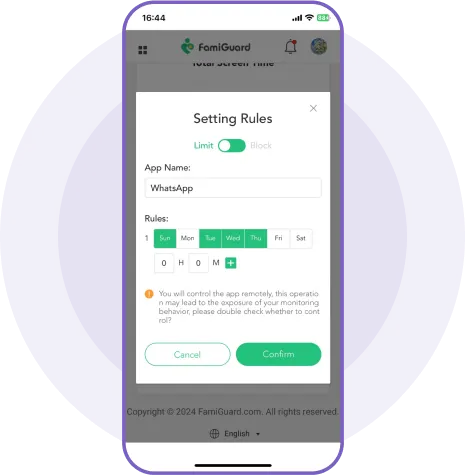
With MobMonitor’s Screen Time feature, parents can set rules for specific apps, defining allowed days and maximum usage. Not only can you limit apps, but also block or uninstall them to help kids maintain a balanced life. Monitoring screen time promotes healthier habits and responsible device use.
  • Set App Limits: Define days and maximum time allowed for each app.
  • Block or Uninstall: Restrict access completely when needed to ensure balance.
  • Promote Healthy Habits: Track screen time to encourage responsible device usage and a balanced lifestyle.
Locations

Export Screen Time Reports Easily

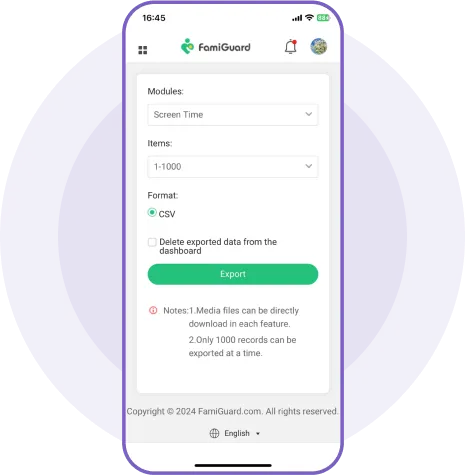
The screen time report goes beyond the dashboard — you can export and download reports for offline review anytime. Keep track of app usage and screen habits even without logging into the app.
  • Detailed Info: Reports include app names, versions, sizes, and number of visits.
  • Easy Review: Organize and analyze your screen time data quickly and efficiently.

Set up MobMonitor in 3 Steps

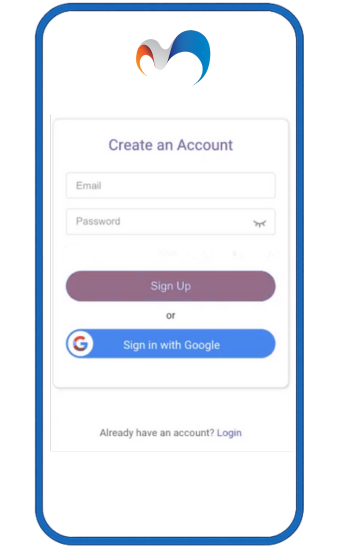
1. Sign Up Free and Choose Your Plan

Begin your WhatsApp tracking journey—it’s that simple.

Buy Now
Sign Up

2. Install on Target Device & Finish Settings

Download and configure MobMonitor on the target phone quickly—manual or automatic setup available.
Install & Configure

3. Operate on Dashboard & Begin Tracking

Monitor WhatsApp calls, chats, media, locations, and status in real time via your web dashboard.

View Demo
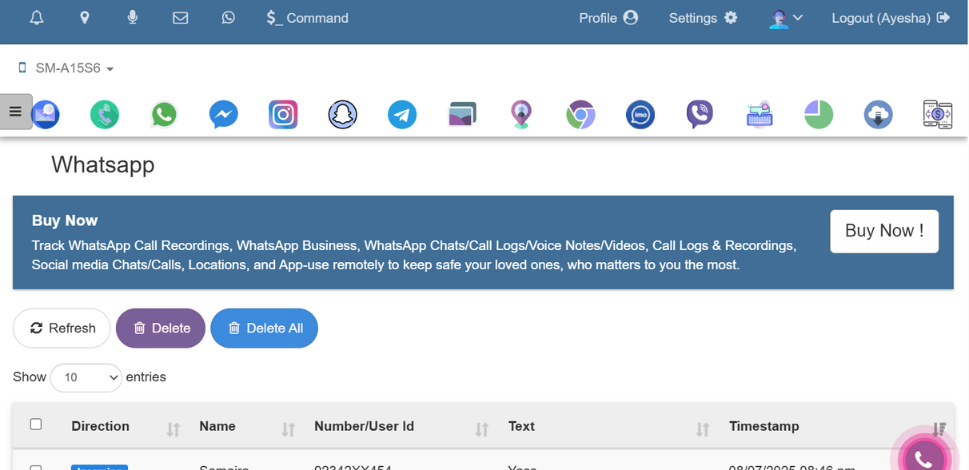

Dashboard Panel
Logo Watermark

Best Phone Tracker for Parental Control

Start your phone monitoring with MobMonitor today and keep your child safe online.

Best WhatsApp Tracker

FAQ About Screen Time: