How to Keep Kids Safe Online Using Parental Control Apps
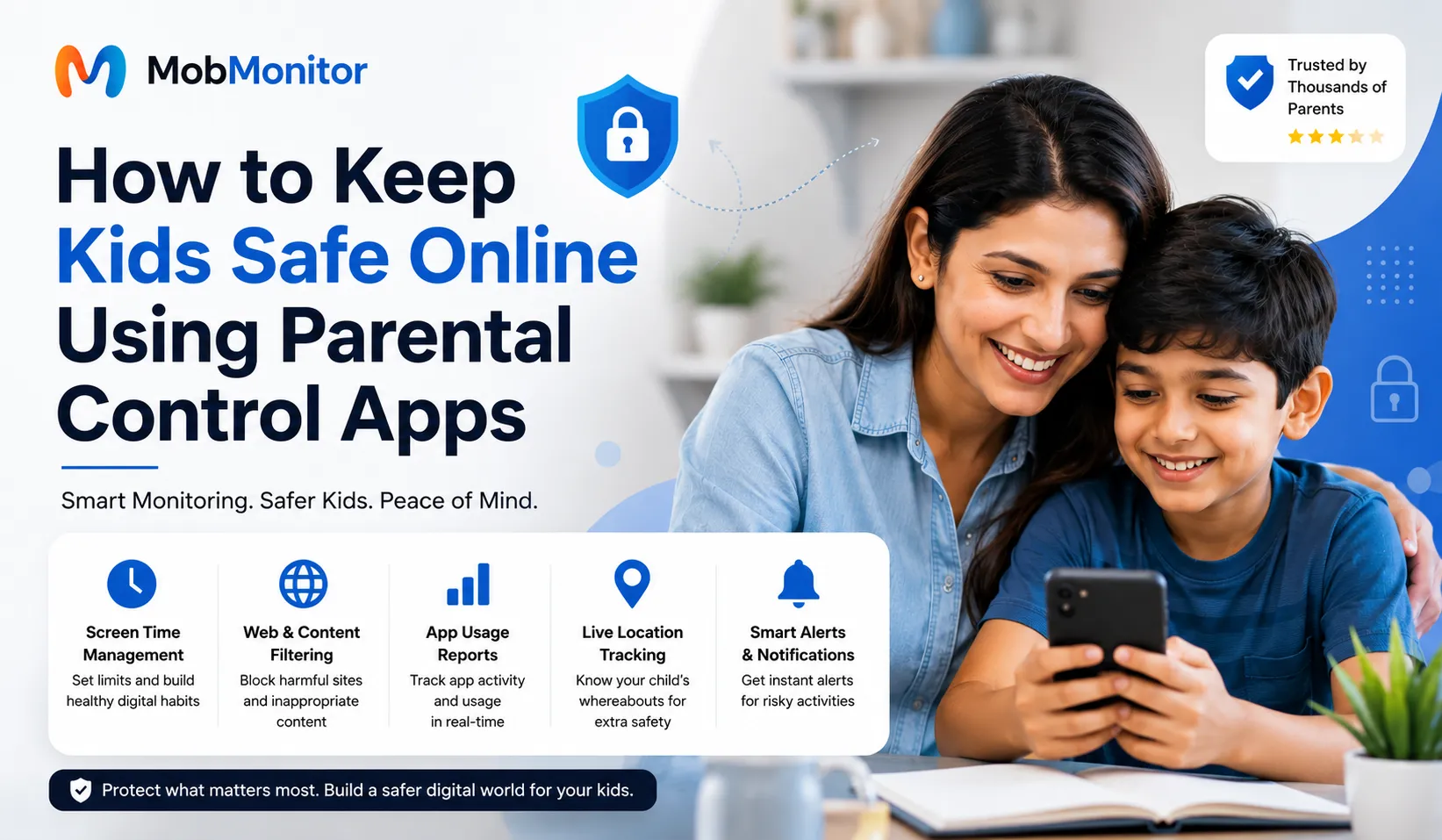
The internet has become an important part of every child's daily life. Whether it's attending online classes, watching educational videos, playing games, chatting with friends, or exploring new hobbies, children spend more time online than ever before. While technology creates amazing learning opportunities, it also exposes kids to several online risks that many parents may not immediately notice.
Cyberbullying, inappropriate websites, online scams, fake social media profiles, phishing attacks, excessive screen time, and contact with strangers are just a few of the dangers children can encounter on the internet. Because of these growing concerns, more parents are looking for reliable ways to protect their children without completely restricting their digital freedom.
One of the most effective solutions is using a parental control app. Modern parental control applications help families create a safer digital environment by allowing parents to manage screen time, block harmful content, monitor app usage, review activity reports, and encourage healthy smartphone habits.
In this comprehensive guide, you'll learn how parental control apps work, why they matter in 2026, what features to look for, and practical tips every parent can follow to keep children safe while using Android devices.
Why Online Safety Matters More Than Ever
Children today receive their first smartphone at a much younger age than previous generations. Many use Android phones before turning 10 years old. Although smartphones provide access to educational resources, they also allow unrestricted access to millions of websites, social media platforms, games, and messaging applications.
Without proper guidance, children may accidentally share personal information, click suspicious links, install unsafe applications, or communicate with strangers online. These situations can affect both their digital privacy and emotional well-being.
Parents cannot monitor every moment manually. That's why many families now use a family safety app or parental monitoring app to help supervise digital activities while teaching responsible online behavior.
Common Online Risks Children Face
Understanding online dangers is the first step toward protecting children. Here are some of the most common threats parents should know about.
1. Cyberbullying
Children may receive hurtful messages, experience online harassment, or become victims of bullying through social media platforms, gaming communities, or messaging apps. Cyberbullying can negatively affect confidence, academic performance, and mental health.
2. Inappropriate Content
Not every website or video is suitable for children. Even a simple internet search can sometimes display violent, explicit, or age-inappropriate content. Content filtering features help reduce these risks.
3. Excessive Screen Time
Many children spend several hours every day watching videos, scrolling social media, or playing games. Too much screen time may affect sleep quality, concentration, physical activity, and family interactions.
4. Online Predators
Some individuals create fake profiles to contact children through games or social media platforms. Teaching children never to share personal information with strangers is one of the most important online safety lessons.
5. Phishing & Online Scams
Children often cannot recognize fake websites, suspicious links, or scam messages. Clicking unknown links may expose personal information or install harmful software.
6. Privacy Risks
Many free applications request unnecessary permissions like camera, microphone, contacts, or location access. Parents should regularly review app permissions to protect family privacy.
What Is a Parental Control App?
A parental control app is software designed to help parents manage and supervise their children's digital activities in a responsible and transparent way. These apps provide tools that encourage healthy technology habits instead of simply blocking device usage.
Most modern parental control apps for Android include features such as screen time management, website filtering, application management, location tracking, activity reports, and family safety tools.
Rather than invading a child's privacy, the goal is to create open communication, teach digital responsibility, and help children safely explore the online world as they grow.
Benefits of Using a Parental Control App
Using a trusted parental control solution provides several advantages for modern families. Instead of constantly checking a child's phone, parents can establish healthy boundaries and receive useful insights about device usage.
- Helps create healthy screen time habits.
- Blocks harmful or age-inappropriate websites.
- Encourages balanced smartphone usage.
- Provides app usage reports.
- Allows parents to review digital habits.
- Supports safer internet browsing.
- Promotes open family discussions about online safety.
- Helps children develop responsible digital behavior.
Features to Look for in the Best Parental Control App
Not every parental control app offers the same level of protection. Before choosing one, parents should compare features based on their family's needs rather than simply selecting the first application they find.
Screen Time Management
One of the most valuable features is the ability to set daily screen time limits. Parents can encourage children to spend more time studying, sleeping, exercising, and participating in family activities while reducing unnecessary phone usage.
Website Filtering
Safe browsing tools can help reduce exposure to websites that may not be suitable for younger users. Parents should choose apps that offer flexible website filtering options based on age groups.
App Management
Being able to manage which apps are installed and how long they're used can help children focus on education, hobbies, and healthy routines instead of spending excessive time on entertainment.
Activity Reports
Daily and weekly activity summaries help parents better understand device usage patterns without needing to constantly check the phone themselves.
Pro Tip for Parents
The most effective parental control strategy combines technology with communication. Regularly talk to your children about online safety, explain why certain rules exist, and encourage them to ask questions whenever they encounter something unusual online.
In the next part of this guide, we'll cover how to choose the best parental control app, practical online safety tips for parents, common mistakes to avoid, frequently asked questions, and expert recommendations for keeping children safe online in 2026.
How to Choose the Best Parental Control App
With hundreds of parental control apps available for Android, selecting the right one can feel overwhelming. Instead of focusing only on popularity, parents should compare features, ease of use, privacy practices, customer support, and regular updates. The best app is one that helps families create healthy digital habits while remaining simple enough to use every day.
Before installing any parental control application, consider your child's age, smartphone usage, and your family's digital rules. Younger children often need stronger content filtering and screen time management, while teenagers may benefit more from balanced supervision and open conversations about responsible online behavior.
Features Every Parent Should Look For
- Easy-to-use dashboard
- Screen time management
- App usage reports
- Website filtering
- Location sharing and family safety features
- Regular security updates
- Reliable customer support
- Simple installation process
Tips for Keeping Kids Safe Online
Technology alone cannot keep children safe. Parents should combine parental controls with education, trust, and healthy communication. These practical tips can make a significant difference in your child's online safety.
Talk About Internet Safety Regularly
Discuss online privacy, cyberbullying, scams, and respectful online behavior. Encourage children to ask questions whenever they encounter unfamiliar situations or suspicious messages.
Set Healthy Screen Time Limits
Create a daily routine that balances education, entertainment, exercise, hobbies, and family time. Consistent limits help children develop healthier digital habits.
Review Apps Together
Periodically review installed applications and discuss why certain apps are appropriate while others may not be suitable. This encourages responsible decision-making rather than simply enforcing restrictions.
Teach Children About Strong Passwords
Help children create unique passwords using a combination of letters, numbers, and symbols. Explain why passwords should never be shared with friends or strangers.
Keep Android Devices Updated
Software updates often include important security improvements. Keeping devices updated helps protect against newly discovered security vulnerabilities.
Common Mistakes Parents Should Avoid
Even with the best parental control app, certain mistakes can reduce its effectiveness. Avoiding these common issues can improve your family's digital safety strategy.
- Ignoring regular conversations about online safety.
- Setting overly strict rules without explanation.
- Never reviewing privacy settings.
- Allowing unlimited screen time.
- Downloading apps from unknown sources.
- Using outdated Android versions.
- Assuming children automatically recognize online scams.
Quick Safety Checklist
- Enable parental controls.
- Use age-appropriate content filters.
- Create healthy screen time rules.
- Review app permissions regularly.
- Teach children not to share personal information.
- Encourage open communication about online experiences.
- Keep Android devices updated.
Why Digital Parenting Is Important in 2026
As technology continues to evolve, digital parenting has become just as important as teaching children about road safety or healthy eating. Smartphones, artificial intelligence, social media, and online gaming continue to introduce new opportunities as well as new risks.
Responsible parents are no longer trying to prevent technology use altogether. Instead, they focus on teaching children how to use technology wisely, safely, and responsibly. A quality parental control app can support this goal by helping families establish healthy digital routines while respecting children's growing independence.
Frequently Asked Questions
What is a parental control app?
A parental control app is software that helps parents manage screen time, filter web content, review app usage, and support safer online experiences for children using Android devices.
Are parental control apps safe?
Reputable parental control apps prioritize security and privacy. Parents should always choose trusted providers, read privacy policies, and download apps only from official sources.
At what age should parents start using parental controls?
The appropriate age varies by family, but many parents begin using parental controls when children receive their first smartphone or tablet to encourage safe digital habits from the beginning.
Can parental control apps help reduce screen time?
Yes. Many parental control apps include tools for managing daily device usage, setting schedules, and encouraging a healthier balance between online and offline activities.
What features should I prioritize?
Look for screen time management, website filtering, app management, family safety tools, activity reports, and an easy-to-use interface that fits your family's needs.
Final Thoughts
Keeping children safe online requires more than installing software—it involves guidance, trust, education, and consistent communication. A well-designed parental control app can help parents manage screen time, encourage healthy digital habits, and support safer internet use while allowing children to explore technology responsibly.
As new online challenges continue to emerge, families that combine smart technology with open conversations will be better prepared to create a positive and secure digital environment. Choosing the best parental control app for Android is an important step toward helping children enjoy the benefits of technology while minimizing potential risks.
Conclusion
Online safety is a shared responsibility between parents and children. By setting healthy boundaries, encouraging honest conversations, and using reliable parental control tools, families can build safer digital habits that last a lifetime.
Whether your goal is managing screen time, promoting responsible internet use, or creating a safer online experience, choosing the right parental control solution can help your family confidently navigate today's digital world.
Related Articles
Monitor Android Phones with MobMonitor
Looking for a reliable Android phone monitoring solution? MobMonitor helps parents stay informed with powerful monitoring features, including location tracking, phone activity monitoring, screen time reports, app usage insights, and more—all through a secure and user-friendly dashboard.
Explore MobMonitor